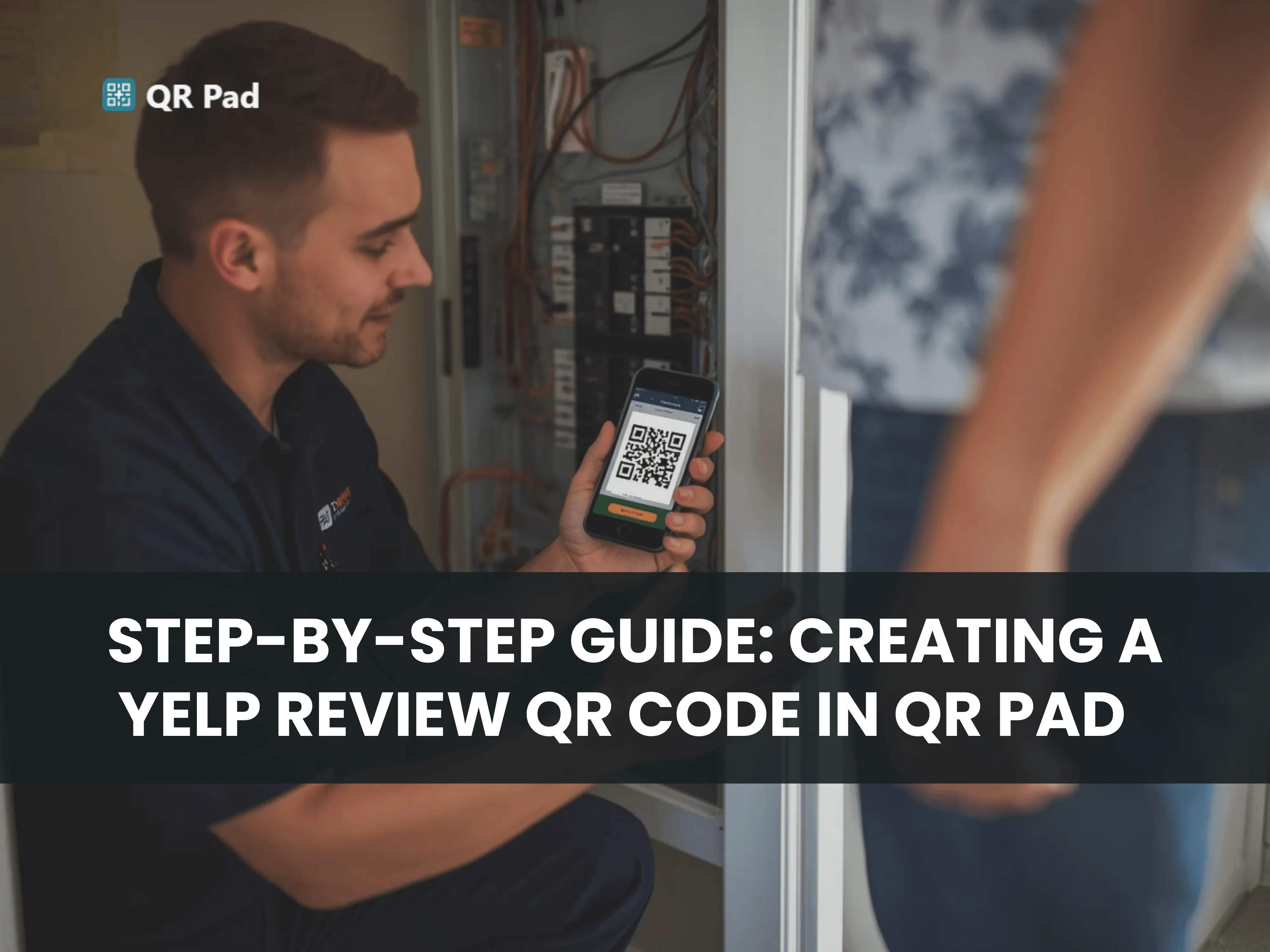
Easy Guide to Yelp Review QR Codes with QR Pad
Collecting Yelp reviews is one of the most effective ways for service-based providers to build credibility, attract new customers, and strengthen their online presence. However, asking for reviews the traditional way can be time-consuming and cumbersome. Customers often forget, get distracted, or struggle to navigate Yelp to leave feedback. QR Pad solves this problem by providing a simple, one-scan solution. Using a Yelp QR code generator app, you can turn every completed job into a Yelp review opportunity in seconds.
This guide will show you how to create a Yelp review QR code with QR Pad and make it effortless for your customers to leave authentic feedback.
Step 1: Download QR Pad
The first step is to download QR Pad to your smartphone or tablet. The app is designed specifically for service-based providers who work on-site, whether you’re delivering repairs, cleaning, moving services, or other in-person solutions.
Having QR Pad installed ensures that your Yelp review QR code is always accessible. You don’t need to search through emails, apps, or bookmarks when the opportunity arises. By adding QR Pad to your phone’s home screen or dock, you can open it instantly with one tap. This makes it easy to be ready for reviews every time you finish a job.
Step 2: Open QR Pad and Add Your Yelp Review Link
Once QR Pad is installed, open the app and enter the URL for your Yelp review page. This direct link ensures that when customers scan your QR code, they are taken straight to your review form without extra steps.
Accuracy is key—double-check the URL to make sure it works properly. A correctly linked QR code prevents frustration and maximizes the chances of capturing authentic reviews. Once your link is added, it’s stored in QR Pad, making it reusable for every job.
Step 3: Generate Your Yelp Review QR Code
After entering your Yelp link, QR Pad instantly generates a QR code for you. The QR code is functional immediately, but the app also allows optional customization. You can adjust colors, add a logo, or change the frame style to match your brand identity.
While customization is optional, a visually appealing QR code can increase scan rates. A well-presented code signals professionalism and encourages customers to leave a review quickly.

Step 4: Present the QR Code at the Right Moment
Timing is everything when it comes to Yelp reviews. The ideal moment is immediately after the service is completed, when the customer is satisfied and the positive experience is fresh in their mind.
Display the QR code on your phone, tablet, or printed card and invite the customer to scan it. A simple script works well:
“If you’re happy with our work, I’d really appreciate a quick review. Just scan this code and it takes you right there.”
The simplicity of one scan removes friction. Customers no longer need to remember your business name, search on Yelp, or navigate through multiple steps. They scan the code, reach the review page, and submit feedback within seconds.
Step 5: Follow Up When Necessary
Even with perfect timing, some customers may not scan the QR code immediately. QR Pad makes it easy to follow up via text message with the review link. A short, polite message can significantly increase the number of reviews collected. Many customers will respond within 24 hours if they have a convenient, direct link.
Why QR Pad Works
Service providers who use QR Pad consistently report collecting 3–5 times more Yelp reviews than those who rely on verbal requests alone. The combination of preparation, perfect timing, simplicity, and optional follow-up makes the system highly effective.
By using QR Pad, you can capture authentic customer feedback immediately, strengthening your online reputation and increasing visibility in local searches. Over time, these reviews help build trust with new customers and drive more business without adding extra work to your workflow.

Take Action Today
Creating a Yelp review QR code with QR Pad is fast, simple, and effective. Download the app, generate your code, and present it to your customers at the right moment. With QR Pad, every completed service becomes an opportunity to collect valuable feedback and grow your business. Turn satisfied customers into Yelp reviews with just one scan and start building a stronger, more visible online presence today.