Yelp or Google QR Codes: Best for Conversions
For service-based providers who work on-site, collecting reviews is essential for building credibility, increasing visibility, and driving leads. Both Yelp and Google Reviews play a critical role in online reputation, but knowing which platform converts better in real-time on-site scenarios can help businesses maximize their review collection efforts. QR codes make it simple: customers scan a code and are immediately directed to leave a review.
This guide explores the differences between Yelp QR codes and Google Review QR codes, why conversion rates may vary, and how service-based providers can optimize their review collection strategy.
Understanding Yelp QR Codes
Yelp has long been a trusted platform for customers to evaluate service-based businesses. Using a Yelp QR code, providers can link customers directly to their Yelp review page, eliminating the steps required to search for the business manually.
Advantages of Yelp QR Codes:
- Direct access to your Yelp review form
- Captures authentic feedback recognized by Yelp’s algorithm
- Strengthens trust among potential customers who rely on Yelp for recommendations
For on-site jobs, Yelp QR codes work best when presented immediately after service completion, at the moment the customer’s satisfaction is high. The simplicity of one scan encourages immediate action, improving the likelihood of receiving a review.
Understanding Google QR Codes
Google Reviews are a critical part of local search visibility and online reputation. Using a Google Review QR code, service providers can link customers directly to their Google Business Profile review page, allowing them to leave feedback instantly.
Advantages of Google QR Codes:
- Direct link to your Google review page for instant customer feedback
- Boosts local SEO and Google search rankings
- Increases visibility in Google Maps, attracting new potential customers
- Encourages more reviews from customers who regularly use Google services
Timing is crucial for Google Reviews as well. Presenting your QR code immediately after completing a job—while customer satisfaction is high—dramatically increases the likelihood of receiving a review. Just like with Yelp, the one-scan process eliminates friction, making it easy for customers to leave feedback quickly.

Comparing Conversion Rates
Which converts better for on-site jobs? The answer often depends on your customer base and where they are most active.
- Yelp QR Codes: Tend to perform well for service-based businesses where customers actively use Yelp to evaluate local services, such as home repairs, cleaning, or moving. Yelp users often leave more detailed reviews, which can improve credibility and engagement.
\ - Google Review QR Codes: May achieve higher conversion for businesses whose customers are more accustomed to Google Maps or Google Search. Google Reviews also impact local SEO directly, making it valuable for driving new leads.
The best approach for many service-based providers is to offer both options, allowing the customer to choose their preferred platform. This ensures maximum engagement and captures reviews where they matter most.
Best Practices for On-Site Review Collection
Regardless of the platform, the following steps maximize conversion when using QR codes:
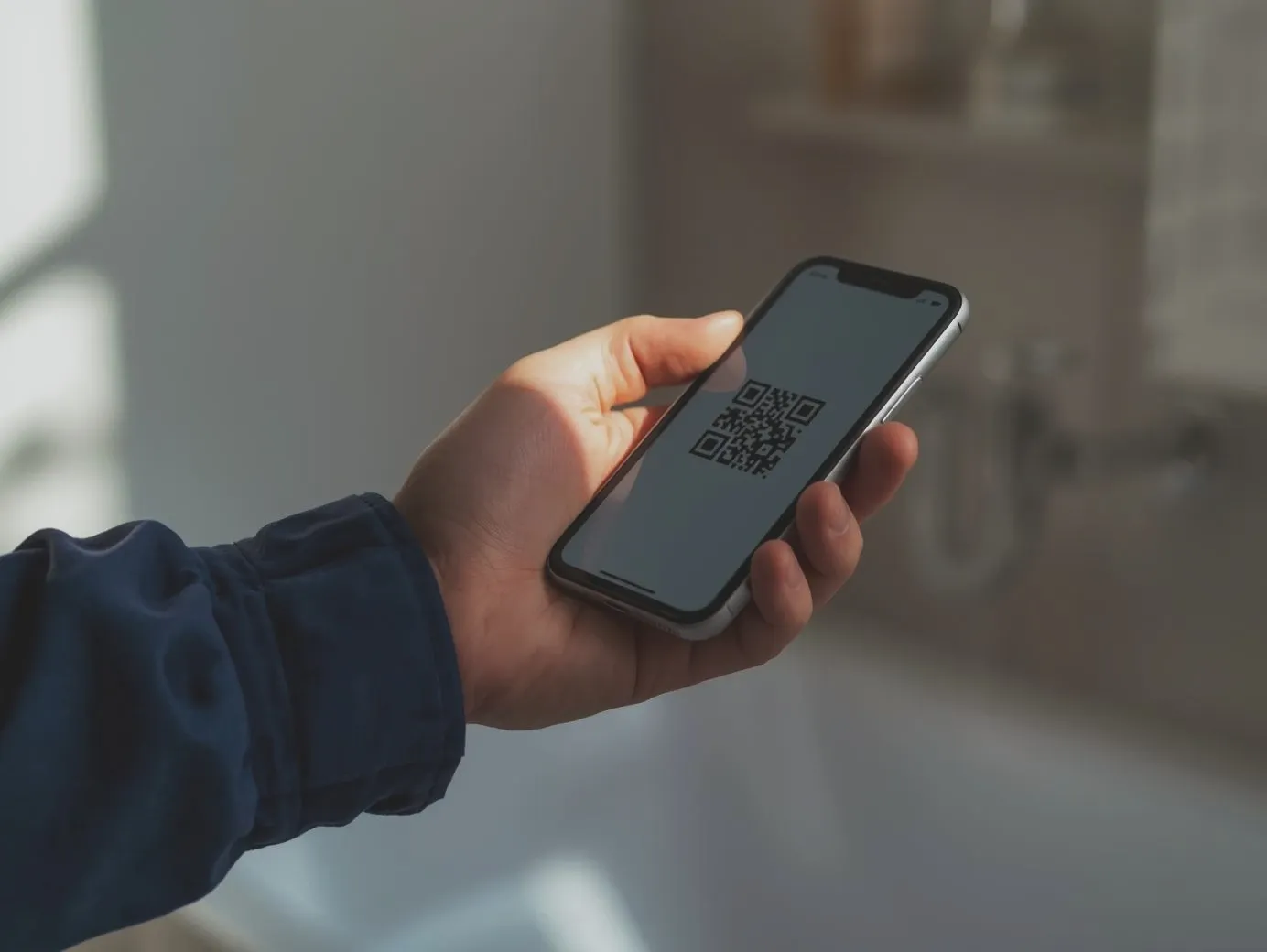
- Have the QR Code Ready on Your Phone: Open QR Pad or your QR code generator app before starting a job to ensure it’s instantly accessible.
- Show It at the Perfect Moment: Present the QR code immediately after completing the service, when the customer is most satisfied.
- Make It Effortless: Provide a simple prompt: “If you’re happy with our work, please scan this code and leave a review—it only takes seconds.”
- Optional Follow-Up: If the customer doesn’t scan immediately, send a polite text with the QR code link to encourage feedback within 24 hours.
These steps work for both Yelp and Google Review QR codes, helping service providers consistently capture authentic reviews.
Key Takeaways and How QR Pad Helps
Capturing reviews on-site doesn’t have to be complicated. By using QR codes strategically, service-based providers can simplify the process, improve conversion, and build a strong online presence. Here’s what to remember:
- Timing is everything: Present the QR code immediately after completing the job to capture customer satisfaction while it’s fresh.
- Simplicity drives results: One-scan QR codes eliminate friction, making it easy for customers to leave authentic feedback.
- Use both platforms: Offering Yelp and Google review options ensures maximum engagement and visibility.
- Follow up when necessary: A quick text reminder can turn potential reviews into actual ones.
QR Pad makes all of this effortless. With QR Pad, every completed job becomes a one-scan review opportunity, helping you collect more reviews, improve local SEO, and grow your business without extra work.